// project
Config-Collaborator
Overview
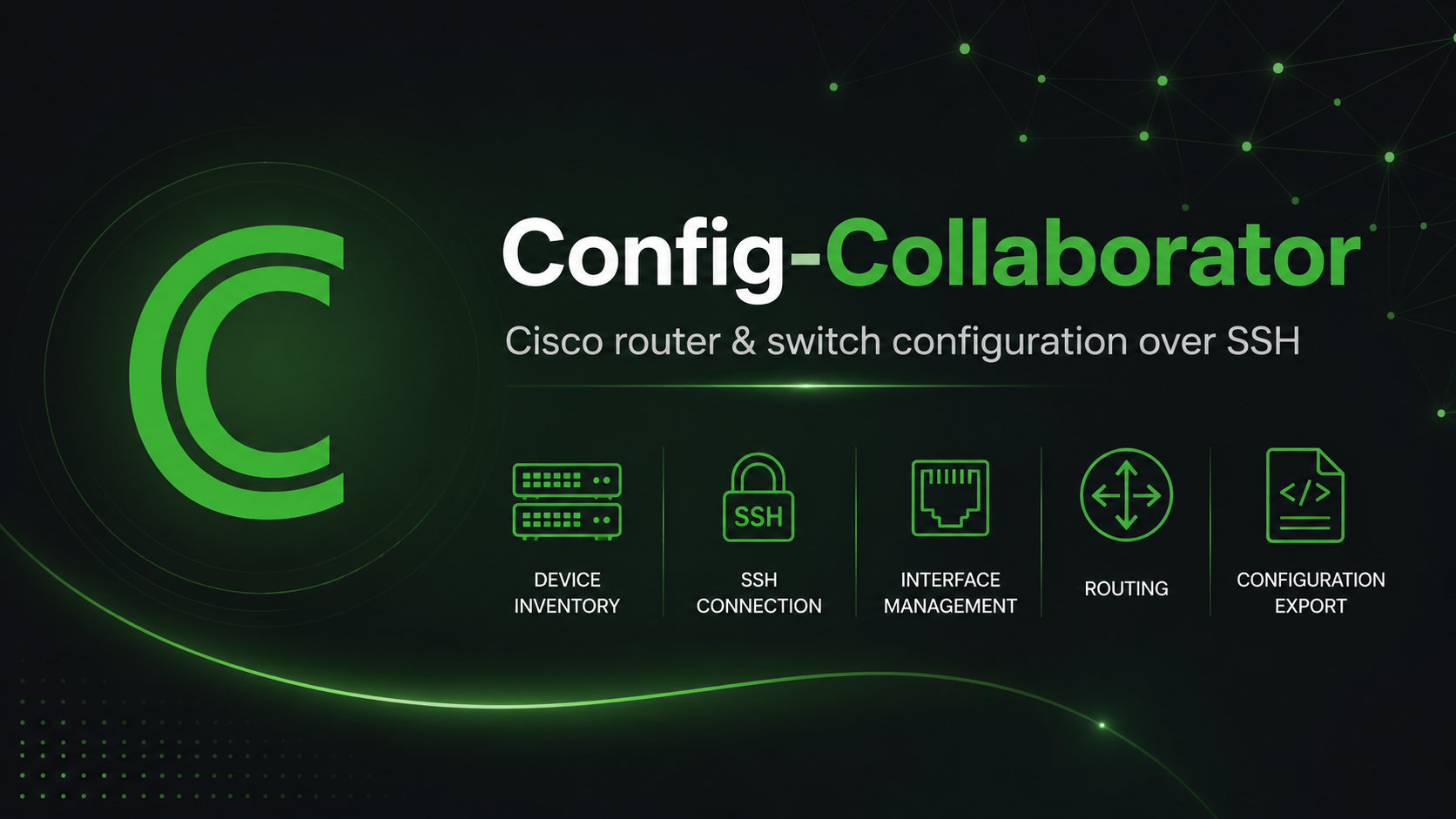
Config-Collaborator is an Electron desktop GUI for configuring Cisco routers and switches over SSH.
It was built in 2019 as the final project for ICT320 Computer Systems Project while I was completing my Bachelor of Computer Systems at Box Hill Institute.
The project is positioned as a GUI tool for configuring Cisco routers. It lets an administrator add Cisco network devices by IP address, connect over SSHv2, authenticate into enable mode, read the running configuration, and then manage common configuration tasks through a graphical interface instead of typing IOS commands manually.
At a high level, the workflow is:
Cisco device over SSH
    ->
Parse running configuration
    ->
Show inventory and configuration pages
    ->
Send IOS configuration commands back over SSH
Project Context
The project was designed around Cisco networking lab environments where students and administrators often need to configure routers and switches repeatedly.
Typing IOS commands manually is useful for learning the platform, but it is also repetitive and error-prone for common tasks such as setting hostnames, updating interfaces, creating routes, or saving configurations.
Config-Collaborator explores how a desktop GUI can sit on top of Cisco IOS workflows while still communicating with the device through real SSH sessions and real IOS commands.
Key Features
Device Inventory
The app keeps a local inventory of configured devices using electron-store.
Each stored device includes connection details and the last parsed configuration. From the inventory screen, the app attempts to reconnect to each device, log in, run show run, and update the displayed hostname, IOS version, and connection status.
Add Device Wizard
Adding a device is handled through a guided multi-step wizard:
- enter host, SSH port, username, and password
- establish the SSH connection
- enter enable mode
- run synchronisation
- save the device into the local inventory
The wizard also includes built-in help text for preparing a Cisco device for SSH, including hostname, domain name, local credentials, RSA key generation, and VTY SSH configuration.
Cisco SSH Communication
The project uses the ssh2 package to open an interactive shell session with Cisco devices.
The Cisco communication class wraps common operations, including:
- starting the SSH shell
- entering enable mode
- sending configuration commands
- running
show run - parsing the running configuration
- reading device and SSH version metadata
It also supports older Cisco-compatible SSH algorithms such as CBC ciphers and diffie-hellman-group1-sha1, making it suitable for lab gear and Packet Tracer or GNS3-era Cisco images.
Running Configuration Parsing
The app parses show run output into a JavaScript object that powers the GUI.
The parsed configuration includes:
- hostname
- IOS version
- interfaces
- static routes
- RIP routes and auto-summary state
- EIGRP routes
- OSPF routes
- raw running configuration text
Configuration Features
General Device Settings
The device dashboard supports common administrative actions:
- rename the device hostname
- save the running configuration to startup configuration
- export the running configuration to a local file
- factory reset by erasing startup configuration and reloading the device
Interfaces
For each detected interface, the app can:
- enable or disable the interface using
no shutdownorshutdown - set a static IP address and subnet mask
- use DHCP addressing
- save interface changes back to the Cisco device
Routing
The routing page supports common Cisco routing configuration:
- static routes using
ip route - RIP v2 network entries and auto-summary toggling
- EIGRP network entries with ASN
- OSPF network entries with process ID and area
It also supports deleting configured routes by sending the matching no ... IOS command.
Architecture
Config-Collaborator starts as a frameless Electron window and loads a local HTML interface styled with Semantic/Fomantic UI.
Node integration is enabled inside Electron, allowing the front end to directly use modules such as ssh2, electron-store, and Node filesystem APIs.
Electron Desktop Shell
    ->
HTML / CSS / jQuery Interface
    ->
Cisco SSH Class
    ->
Running Config Parser
    ->
GUI Pages + IOS Command Writers
Technical Highlights
Desktop App With Web Technologies
Electron allowed the project to combine a desktop application shell with familiar web UI tooling.
The interface was built with HTML, CSS, jQuery, and Semantic/Fomantic UI components, while Node APIs handled local storage, SSH communication, and config export.
IOS Command Generation
The GUI does not replace Cisco IOS. It builds and sends IOS commands based on user selections.
That made the project a practical bridge between visual administration and command-line networking concepts.
Config-Driven Interface
By parsing the running configuration into structured JavaScript data, the app can present inventory, interfaces, and routing pages based on the real state of the device.
That parsing layer is what turns raw show run output into a usable point-and-click configuration tool.
Problem Solved
Config-Collaborator turns common Cisco IOS configuration tasks into a simplified graphical workflow.
Instead of manually entering commands for interface changes, routing protocols, hostname updates, config export, save operations, reloads, or factory resets, an administrator or student can perform those tasks from a focused desktop GUI.
Tech Stack
- Electron
- JavaScript
- HTML
- CSS
- jQuery
- Semantic/Fomantic UI
- ssh2
- electron-store
- Node.js filesystem APIs