// project
SecureMark
Overview
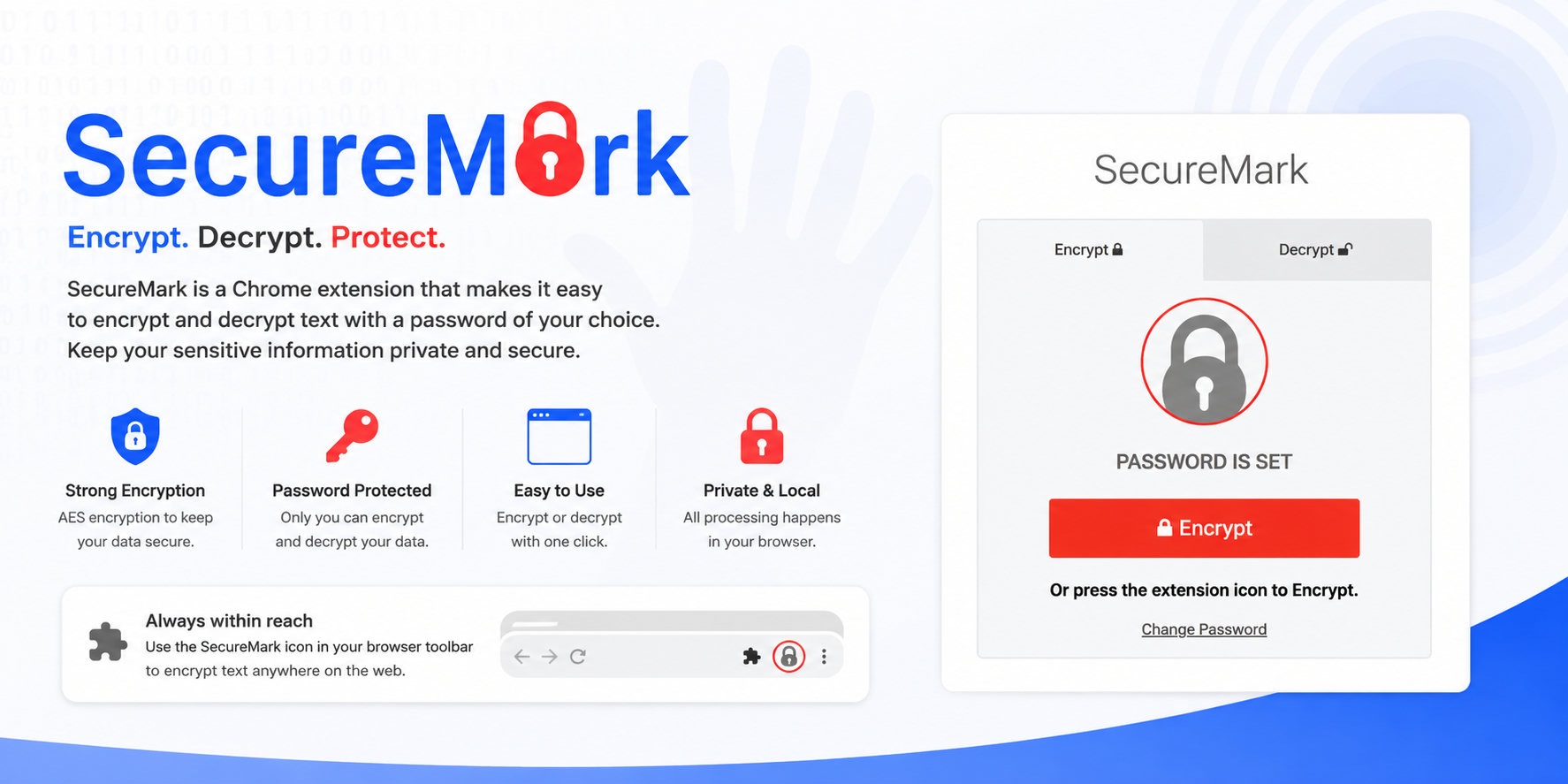
SecureMark is a Chrome extension for encrypting and decrypting Chrome bookmarks.
It was released in 2017 and published on the Chrome Web Store as a bookmark encryption tool. The extension allows users to encrypt their bookmark titles and URLs with a password, then decrypt them later through the options page.
The core idea is simple: protect saved bookmarks from casual inspection by replacing readable bookmark data with encrypted values, while still allowing the user to restore the original bookmarks if they know the password.
Key Features
Bookmark Encryption
SecureMark walks through the Chrome bookmark tree and encrypts editable bookmarks using CryptoJS AES.
Both bookmark titles and URLs are processed. Encrypted values are marked with a recognisable suffix so the extension can detect whether a bookmark has already been encrypted.
Bookmark Decryption
The options page provides a decrypt workflow where the user enters the same password used for encryption.
SecureMark attempts to decrypt bookmark titles and URLs, verifies the decrypted payload with a checksum marker, and writes the readable values back to Chrome bookmarks.
Extension Button Workflow
The extension can store a password temporarily so the browser action button can trigger encryption from the toolbar.
The toolbar icon and badge update while encryption or decryption is running, giving the user progress feedback during the bookmark update process.
Options Page
The options page handles:
- password entry
- password confirmation
- password strength feedback
- encrypt action
- decrypt action
- password reset
- warning/help modal content
This gives the extension a more complete workflow than a one-click script, while keeping the user-facing surface area small.
Web Worker Processing
Bookmark processing is handled through a Web Worker.
The worker receives the flattened bookmark list, encrypts or decrypts each editable bookmark, posts updates back to the main extension context, and reports progress as it works through the tree.
Architecture
Chrome Bookmarks API
    ->
Flatten bookmark tree
    ->
Web Worker
    ->
CryptoJS AES encrypt/decrypt
    ->
chrome.bookmarks.update
SecureMark is a Manifest V2 Chrome extension with:
- a browser action popup
- an options page
bookmarkspermission- bundled JavaScript, CSS, fonts, and image assets
Technical Highlights
Chrome Extension APIs
The extension uses the Chrome bookmarks API to read the bookmark tree and update individual bookmark entries.
It avoids external services; the workflow happens locally in the browser extension context.
Encrypted Bookmark Representation
Encrypted bookmark text is converted through CryptoJS AES, Base64, and hex encoding before being written back into the bookmark title or URL field.
For encrypted URLs, the extension prefixes the encrypted value with http:// so Chrome accepts it as a bookmark URL.
Password-Based Recovery
SecureMark does not provide a recovery path without the original password.
The Chrome Web Store description explicitly warns that encrypted bookmarks cannot be restored without the password, which is an important design constraint for a tool that modifies the user's actual bookmark data.
Progress Feedback
The extension updates the browser action badge and options page progress UI while processing bookmarks.
This matters because bookmark libraries can be large, and the operation touches many individual bookmark entries.
Problem Solved
Chrome bookmarks are normally readable through the browser UI and local profile data.
SecureMark provides a lightweight privacy layer for users who want to obscure bookmark names and destinations without moving to a separate bookmark manager.
It is a compact example of building a real browser extension around:
- browser permissions
- bookmark traversal
- client-side encryption
- destructive/reversible data transformation
- user warnings and recovery constraints
Tech Stack
- JavaScript
- Chrome Extensions Manifest V2
- Chrome bookmarks API
- CryptoJS
- HTML
- CSS
- jQuery